

Document scanner - comparison of the best-priced models
When choosing a document scanner, customers both business and individual around the world always point to price as the first parameter. Regardless of the market - whether it is Polish, German or Spanish budget is always the key determinant during the purchase process. Of course, the specification of the device is also significant. Because it is the one that has to respond to the problems and challenges in digitalization that the customer faces. However, when the price is very similar in several solutions - nuances count 🙂 A customer looking for a low-cost solution with automatic document feeder (ADF) and flatbed module evaluates different aspects, functionality and performance of the device. So let's compare several models available on the market: Avision AD120, Canon DR-F120, Epson DS1630 and Ricoh SP-1425.
Introduction to document scanners - what is a document scanner?
Document scanners are devices that allow you to quickly and conveniently convert paper materials into digital form, while maintaining high image quality. Today they are an indispensable part of the equipment of almost every office or law firm. In this article I will present the most important information about document scanners, discuss their types and main advantages. With this, you will learn why it is worth investing in such equipment and how it can contribute to improving work in your company. In the era of digital transformation, efficient and secure storage of data becomes a key issue, so the topic of document scanning becomes especially important today.
Functioning of document scanners
Document scanners are devices that use optical technology to scan documents that is digitization. It's really the introduction of analog paper into the digital world. Documents are placed on an ADF or flatbed feeder, and the scanner uses light and sensors to capture an image of the document. The image is then processed and stored in digital form. This allows us to easily store, share and process documents without the need for paper copies. Document scanners are extremely functional and can be used in a variety of environments, from small offices to large corporations.
Advantages of using document scanners in the office
Using document scanners in the office has many advantages. First, it makes it possible to scan documents quickly and conveniently, which saves time and makes the work itself more efficient. Second, document scanners make it possible to store documents in digital form, which takes up less space and is more secure than storing documents in paper form. Third, document scanners can be used to back up documents, which is especially important for documents that are important and valuable to us. In addition, the use of document scanners has a positive impact on the environment, as it reduces paper consumption and supports the creation of a greener office environment.
Types of document scanners
There are different types of document scanners that vary in size, speed and functionality. Here are some of the most popular types of document scanners that can be used in various office environments.
A4 scanners - ideal for small offices
A4 scanners are the most popular type of document scanners. They are ideal for small offices, being compact and easy to use while offering high quality scanning. They also offer a wide variety of functionality and can be used to scan documents in a variety of formats, including PDF, JPEG and TIFF. By using a document scanner-any office is able to operate more efficiently. While ensuring better organization of work and, very importantly, document security.
A3 scanners - for larger offices and businesses
Just to mention that A3 scanners are also a sought-after solution for larger offices and businesses that need to scan large volumes of documents in various formats. Thanks to their advanced technology, these scanners offer fast and precise scanning, which is invaluable in a business environment. The automatic document feed (ADF) on A3 scanners allows large batches of documents to be scanned without the need to manually feed each page, significantly increasing productivity. The use of A3 scanners in the office allows better organization of documents and saves time, which is crucial for the smooth operation of the company. With them, businesses can scan A3 documents, which is especially useful for plans, technical drawings or large contracts.

Scanning speed, and document scanner
She is theoretically the easiest to measure. But are you sure? Manufacturers quote scanning speed when using the ADF, or document feeder. However, you should pay attention here, among other things, to what resolution you get the final file. Is it 200, 300 or 600 dpi. Whether the scanned documents are black and white like invoices or color like graphics and photos. Each factor makes a difference. The second aspect in terms of speed is the speed of the flatbed scanner.
- Avision AD120: scans from the ADF up to 25 pages per minute in simplex mode and 50 images in duplex mode - that is, sheets printed on both sides, making it one of the faster in this category. The manufacturer quotes the same values for both black-and-white and color documents, and the flatbed scanner is 4.5s per page,
- Canon DR-F120: here the manufacturer gives two values - for scanned content. One for black and white and the other for color documents.
- Black and white is 20 pages per minute and 36 images
- Color is only 10 pages per minute and 18 images - so you can see the difference here compared to the competition.
With a flatbed scanner, the manufacturer does not specify speeds 🙁 - Epson DS1630: this model also has two different values. For black and white and color documents. That is...
- Black and white is 25 pages per minute and 10 images,
- Color is 10 pages per minute and 10 images - Ricoh SP1425: it values 25 pages per minute and 50 images both in color and monochrome, the same as Avision. The flatbed scanner on this model digitizes at 4s per page. So the Ricoh is a scanner fast enough for typical office and as well as home office applications.
ADF technology what exactly is it?
ADF technology, or Automatic Document Feeder in Polish, can be found in document scanners, printers or multifunction devices. It is a solution that greatly improves the process of scanning on a scanner or copying when used in multifunction devices. With ADF, users can quickly and conveniently process large quantities of documents without having to manually feed each page. As is done when using a flatbed scanner. This not only saves time, but also increases work efficiency. The ability to feed mixed batches of documents, i.e. A4 documents and smaller documents like gas station invoices, is especially important in offices and law firms where large volumes of documents are processed daily.
ADF feeding capacity
Here all manufacturers provide the same value i.e. 50 sheets with the observation that the grammage or, for simplicity, "thickness" of the scanned paper is 80mg/m2
- Avision AD120: 50 sheets,
- Canon DR-F120: 50 sheets,
- Epson DS1630: 50 sheets,
- Ricoh SP1425: 50 sheets,
Two-sided scanning or duplexing
It is literally a process in which a scanner digitizes both sides of a document simultaneously during one pass of a sheet of paper. This is a particularly useful feature, and often even considered essential in offices and law firms, as it significantly speeds up and simplifies the process of scanning documents. Of course, everything depends on the number of documents scanned per day.
Double-sided scanning speeds up the digitization process and has a positive impact on office operations
- Avision AD120: Yes this model is equipped with automatic duplex scanning.
- Canon DR-F120: No automatic duplexing, which can be a disadvantage for users with a large number of double-sided documents.
- Epson DS1630: In this case, the issue is more complex - the scanner has a duplex function, BUT! It is probably implemented using a single CIS sensor, which means that the sheet must be rotated inside the device, just like in multifunction devices. This solution is less efficient and may increase the risk of paper jams. Nevertheless, the scanner allows automatic duplex scanning.
- Ricoh SP1425: Yes - it supports duplex, which is a big plus.
Scanning resolution
It determines how much detail the scanner is able to capture when digitizing a document. We measure it in dpi (dots per inch), or the number of dots per inch. A higher resolution, such as 600 dpi, provides a more detailed image, which is important when scanning "images, graphics", photos or small text. On the other hand, a lower resolution, such as 300 dpi, is sufficient for fast scanning of text documents, while providing a smaller size of the resulting file.
- Avision AD120: up to 600 dpi in ADF for good image quality.
- Canon DR-F120: up to 600 dpi, standard resolution.
- Epson DS1630: up to 600 dpi from ADF and up to 1200 dpi in flatbed mode. Offers better image quality in flat mode.
- Ricoh SP1425: up to 600 dpi, sufficient for most office tasks.
Scanning quality - how important is the quality of scanned documents
Scanning quality is extremely important, especially when documents need to be stored for long periods of time or used in business processes. High-resolution scanners, such as 600 dpi or higher, ensure that every detail of a document is clear and legible. This is crucial when important documents such as contracts, invoices or financial statements are scanned. High-quality scans make it possible to read text and graphics accurately, which is essential for daily office operations. In addition, high-quality scans are more resistant to degradation over time, which is important for long-term document storage. As a result, companies can rest assured that their documents will be able to retain their readability for many years.
OCR scanning function
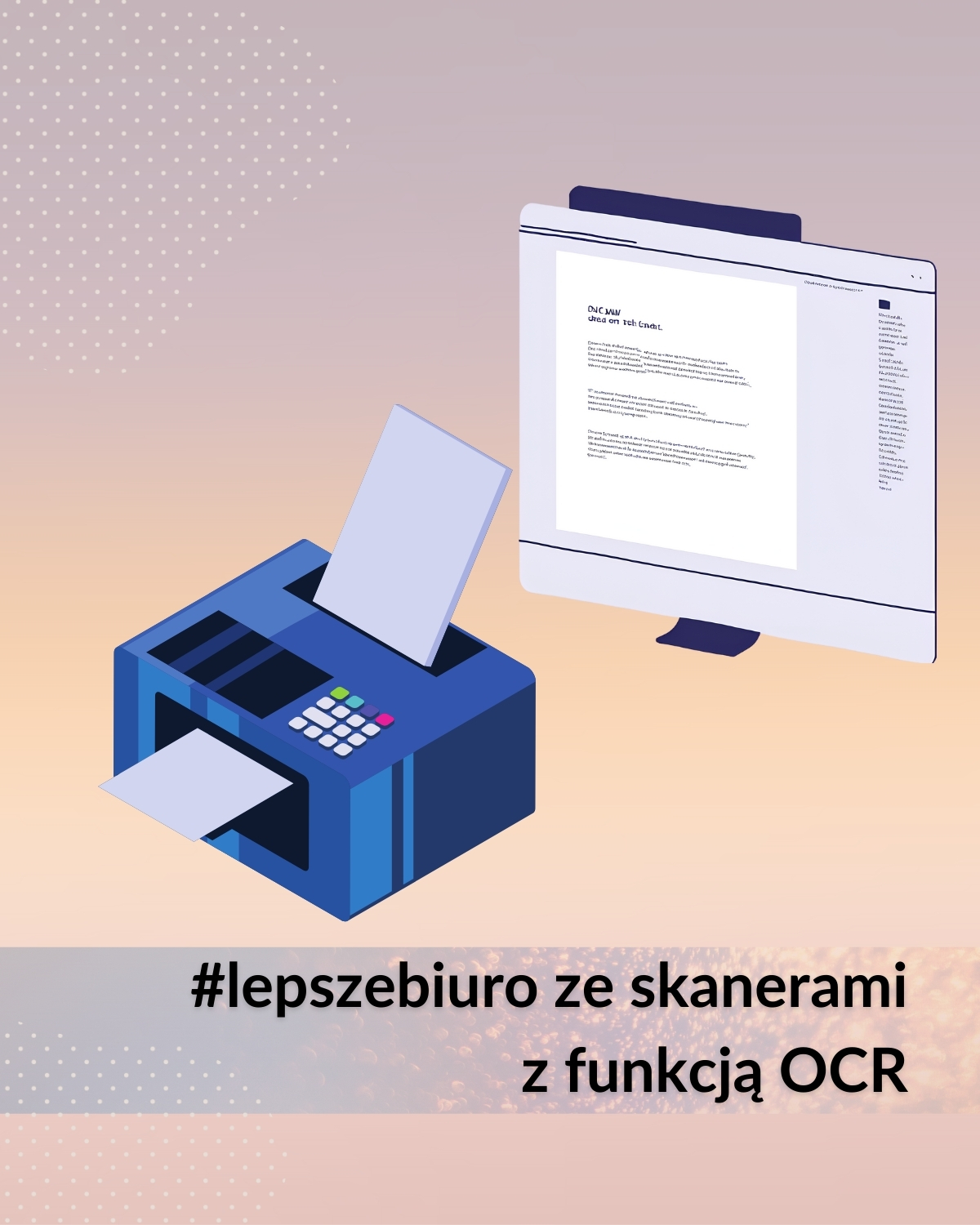
In any document scanner, this is a key feature. It is such a real "must have"! It allows you to recognize text in scanned images or PDF files. With it, the scanner not only digitizes the document as an image, but also converts the text contained in it into an editable form. This allows you to search, copy, edit or analyze content from documents. A function especially needed in offices, law firms and anywhere where text processing is a key factor.
- Avision AD120: Yes - built-in OCR software.
- Canon DR-F120: Yes - supports OCR.
- Epson DS1630: Yes - OCR is supported.
- Ricoh SP1425: Yes - has an OCR function.
Supported file formats - How will the scanner save this scan for me?
All four scanner models support popular file formats such as PDF, searchable PDF, JPEG, PNG, BMP and TIFF. Thus providing convenience of use and wide compatibility with various systems. In addition, with included software such as Ricoh's PaperStream Capture, and Canon's CaptureOnTouch, scanners can save scanned documents in editable formats such as Word, Excel and PowerPoint. Modern technologies in digitizing are shaping the future of document scanning, with more and more advanced features enabling better and better results.
Avision AD120, Canon DR-F120, Epson DS1630 and Ricoh SP1425: All of these devices support document scanning in a wide range of sizes and weights, from small sheets to larger formats, which fully meets the needs of users. The largest range in this range is held by Canon where the lower grammage limit is 35 g/m²
- Avision AD120 - 60 - 110 gsm,
- Canon DR-F120 - 35 - 128 gsm
- Epson DS1630 - 50 - 120g/m²
- Ricoh SP1425 - 52 - 127 gsm
Dimensions and weight
- Avision AD120: is a compact scanner that will fit on a small desk.
- Canon DR-F120: it's bigger, but still fits on a typical desk.
- Epson DS1630: here we have a slim design that fits well in small spaces.
- Ricoh SP1425: is a relatively compact scanner, comparable to the Avision model. It doesn't take up much space on the desk.
Compatibility with operating systems and full support
The Avision AD120 and Ricoh SP1425 offer favorable running costs. The Canon DR-F120 and Epson DS1630 can be a bit more expensive in long-term operation due to higher consumable costs. However, in each of the mentioned models, the rolls last for very many scans. Acha! All four models are compatible with Windows 🙂
All models offer a standard warranty of one year, which is typical for this class of equipment. Of course, depending on the period, we may hit on a promotion. And so in the pre-Christmas period when companies are fighting for customers it is worth checking offers on dedicated sites. Often we can endure a promotion for, for example, 3 years of warranty in the price of the scanner 🙂 As it is, for example, in the case of Canon DR-F120 - https://www.canon.pl/3lata/
Of course, document scanner companies always assure customers of the high quality of their machines and support during installation in the client environment.
Summary - User reviews and tips
The Ricoh SP1425 is praised for its good value for money, especially in the context of small offices; the Canon DR-F120 gets mixed reviews, especially for its lack of a duplex function. The Epson DS1630 is chosen for its high image quality. The Avision AD120 is considered a solid choice for users looking for basic office equipment.
To summarize our work, choosing the right scanner depends on the customer's priorities - if speed and duplex are key, the Avision AD120 or Epson DS1630 will be the best options. The Canon DR-F120 may be less attractive due to its lack of duplexing, while the Ricoh SP1425 is a solid and economical alternative for basic office tasks. All of these products offer different features and quality to suit individual user needs.

d.murawski@stovaris.pl
tel: +48 691 701 175
Daniel joined the Stovaris Team in 2020. He has many years of experience in coordinating sales projects. He is distinguished by his commitment and interpersonal skills, which facilitates his networking and negotiation skills. At Stovaris, he is responsible for the brands: Fujitsu, Panasonic, Kofax, Fujifilm, Proget and Silex.